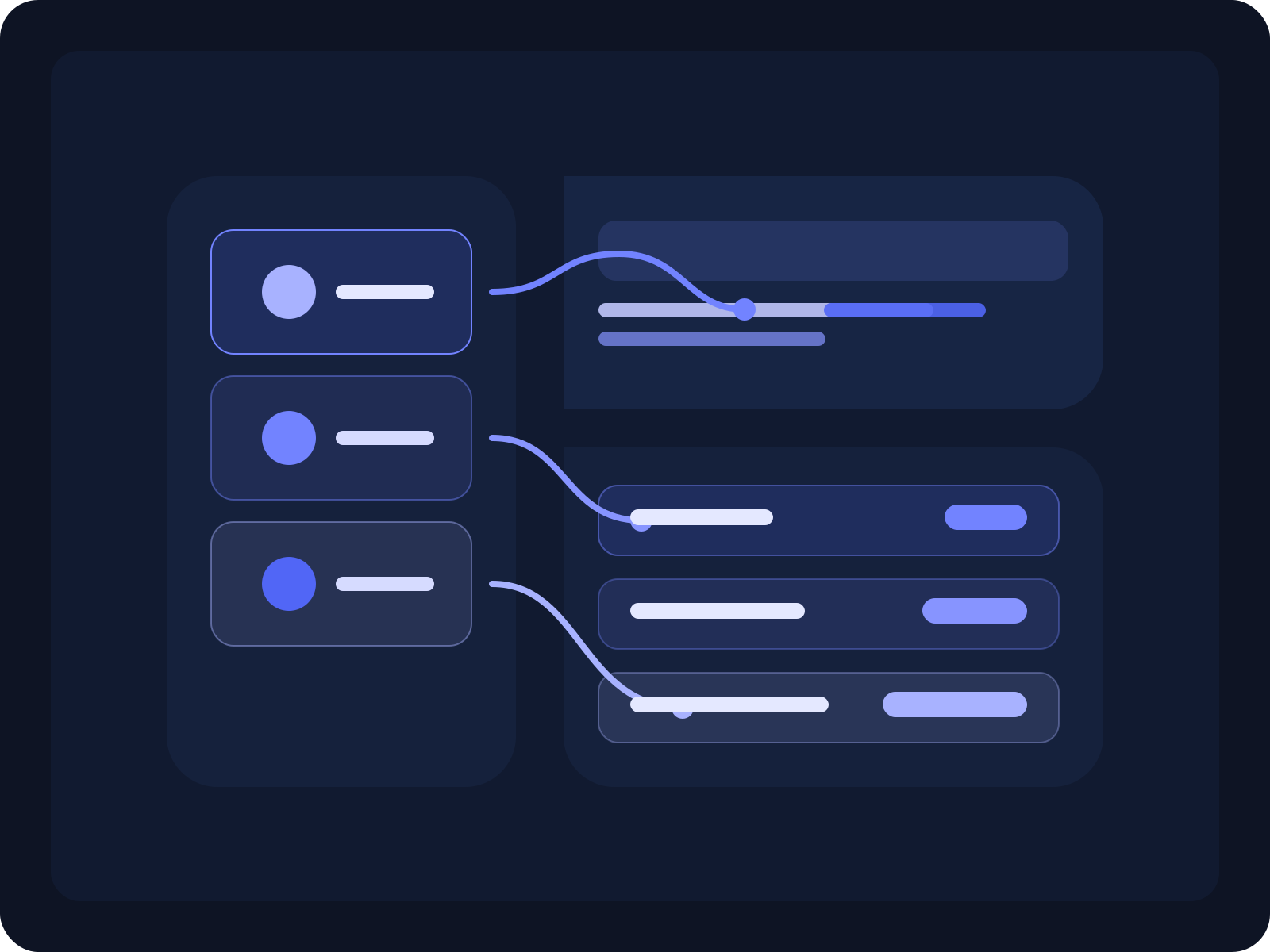
Automate employee onboarding and access setup with full visibility
Run employee onboarding in one structured workflow instead of coordinating tasks, approvals, and system access across email, chat, and spreadsheets. Taqiro helps teams move every new hire from signed offer to day-one readiness with clear ownership, automated follow-up, and visible progress.
Why teams switch
• Structured onboarding intake • Automated access and setup handoffs • Visibility from signed offer to day one
• Less chasing between HR, IT, and hiring managers • Clear ownership for every onboarding step • A consistent onboarding experience for every new hire
Workflow Outcome
From signed offer to a fully prepared first day
Always visible
Best For
Teams coordinating repeatable employee onboarding
People ops, HR, IT, and operations teams that need to manage onboarding steps, approvals, equipment, and access requests without relying on scattered follow-up.
Core Problem
New-hire onboarding slows down when work is spread across tools
Offer details, setup tasks, approvals, access requests, and handoffs often live in different systems, making it hard to see what is done, what is blocked, and what still needs action before day one.
Why Taqiro
One workflow for tasks, approvals, and provisioning steps
Keep onboarding requests, ownership, internal approvals, reminders, and progress in one execution workspace so every team knows what happens next.
The Problem
Employee onboarding breaks down when handoffs depend on memory and manual follow-up
Most companies already know the steps involved in onboarding a new hire. The problem is that HR, IT, finance, and hiring managers often run those steps across disconnected tools, which creates delays, missed setup tasks, and last-minute surprises.
That is when laptop requests stay pending, account access is incomplete, approvals arrive late, and new hires start without the structure, systems, or context they need to ramp smoothly.
Requests start in too many places
Offer details, onboarding checklists, equipment requests, and access setup often start in separate emails, chats, forms, or spreadsheets.
Ownership gets blurry fast
Teams know onboarding is moving, but not always who owns the next action or which task is now blocking the process.
Approvals and access lag behind
Managers, IT, and finance may all need to act, but the workflow does not always keep those decisions and follow-ups connected.
Day-one readiness becomes a gamble
Without one visible workflow, teams cannot easily confirm whether the new hire is fully set up before their first day.
How Taqiro Helps
Turn onboarding into a repeatable, cross-team workflow
Taqiro gives teams one place to capture new-hire onboarding, assign tasks and approvals, automate reminders and internal handoffs, and keep progress visible from accepted offer to first-day readiness.
Capture onboarding cleanly
Start every onboarding workflow with structured employee details, role context, start date, and setup requirements.
Assign tasks and approvals
Route responsibilities to HR, IT, finance, managers, or department owners based on what the new hire needs.
Automate setup follow-through
Trigger reminders, status updates, and handoffs for equipment, software, account access, and onboarding milestones.
Track readiness in one view
See what is complete, pending, blocked, approved, or overdue before the employee arrives.
Typical Flow
A smoother path from signed offer to day-one readiness
Taqiro helps teams move employee onboarding forward with clearer ownership, connected tasks, and visible status across every setup stage.
1. A new hire is added through a form, ATS handoff, HR trigger, or manual onboarding request.
2. Taqiro launches the onboarding workflow with the right employee details, start date, department, and setup requirements.
3. Tasks and approvals are routed to HR, IT, managers, and internal owners responsible for equipment, access, payroll, or training.
4. Automations send reminders, update statuses, and keep internal teams aligned as setup work moves forward.
5. The workflow ends with a visible record showing the employee is ready for day one with the right access, equipment, and onboarding context in place.
Best-Fit Teams
People ops teams onboarding employees at growing companies
HR and IT teams coordinating access, devices, and setup tasks
Operations teams standardizing onboarding across departments
Companies that want a more consistent and accountable day-one process
Outcomes Teams Care About
Reduce delays before an employee starts
Improve visibility into setup, approvals, and blockers
Standardize onboarding across teams and locations
Give every new hire a more reliable first-day experience
Why Taqiro
Not just onboarding checklists. A workflow that gets people ready to start.
Basic task tools can list onboarding steps, but they still leave handoffs, approvals, follow-up, and setup visibility scattered across teams. Taqiro helps HR, IT, and operations run the full onboarding workflow with structure, automation, ownership, and visibility in one place.
Employee onboarding workflow automation is the process of coordinating onboarding tasks, approvals, access setup, and internal handoffs in a structured system instead of managing them manually across disconnected tools.
Who is this employee onboarding solution for?
It is a strong fit for people ops, HR, IT, and operations teams that need to prepare new hires consistently and keep setup progress visible before day one.
How does Taqiro improve employee onboarding?
Taqiro helps teams launch onboarding from structured intake, assign tasks and approvals to the right owners, automate follow-up, and track day-one readiness in one workflow.