Best for support, customer success, operations, and service teams
Automate support escalations and SLA follow-through without losing visibility
Capture escalations as structured tasks, link severity, ownership, and timing in a single execution workspace, and let automations handle the reminders and routing that keep SLA-sensitive work visible from first alert to final resolution.
Why teams switch
• Structured escalation intake • Automated SLA reminders and routing • Visibility across every escalation stage
• Faster escalation handling with less manual chasing • Clear ownership across support and specialist teams • Better visibility into SLA risk, blockers, and resolution progress
Workflow Outcome
From flagged issue to owned, escalated, and resolved
Always visible
Best For
Teams managing urgent support handoffs
Support, customer success, operations, and service teams that need to escalate technical issues, billing cases, product bugs, or high-risk customer requests without losing speed or accountability.
Core Problem
Escalations slow down when status depends on manual coordination
Tickets may start in one system, specialist follow-up happens somewhere else, and SLA ownership gets blurry as more teams join the issue. That is when updates slow, priorities get missed, and customers lose confidence.
Why Taqiro
One workflow for escalation intake, routing, and resolution tracking
Keep escalation requests, urgency, ownership, reminders, internal notes, and next actions in one execution workspace so teams can move faster without losing context.
The Problem
Support escalations break down when critical work depends on follow-up in too many tools
Most support teams do not struggle to recognize an urgent issue. They struggle after that point, when escalation work moves across ticketing tools, Slack threads, engineering queues, internal messages, and manual reminders, so even small changes require chasing multiple owners.
That is when SLA targets become risky, ownership becomes unclear, updates stall, and customer-facing teams spend too much time asking what is happening instead of seeing the status and moving the case toward resolution.
Escalations start without structure
Urgent issues are raised quickly, but key details like severity, customer impact, owner, and next action are not always captured in a consistent way.
Ownership changes too often
Support, product, engineering, finance, or success teams may all touch the case, but nobody has one shared place to see who owns the next move.
SLA follow-up becomes reactive
Without time-based reminders and visible deadlines, teams realize too late that an escalation is drifting toward breach.
Customers feel the internal gap
When updates are fragmented, the customer experience suffers even if teams are working hard behind the scenes.
How Taqiro Helps
Turn escalations into a repeatable, SLA-aware workflow
Taqiro gives teams one place to capture escalations, route them to the right owners, automate SLA follow-through, and track the work until the issue is resolved and communicated back clearly.
Capture escalation context
Collect severity, impact, affected account, timeline, requester, and supporting context in one structured intake step.
Route work to the right team
Send escalations to the correct owner, queue, or specialist group based on issue type, priority, or account importance.
Automate SLA-driven follow-up
Trigger reminders, escalations, status changes, and internal nudges before deadlines are missed.
Track resolution in one view
See what is new, in review, blocked, escalated, waiting on another team, or resolved without piecing updates together manually.
Typical Flow
A cleaner path from high-risk issue to resolved customer outcome
Taqiro helps teams move escalations forward with more control, faster handoffs, and clearer communication across every stage.
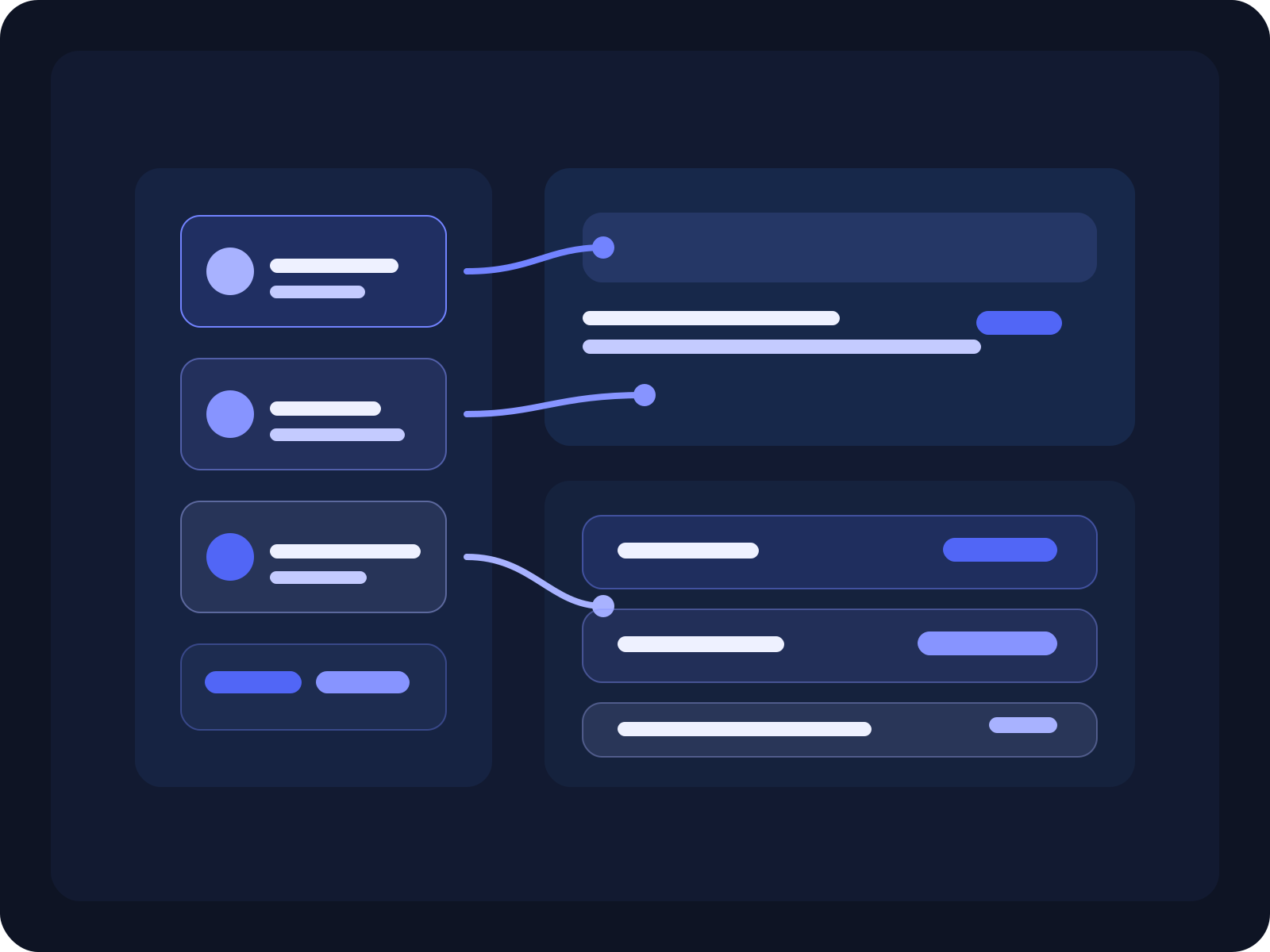
1. A support issue is flagged for escalation through a form, ticket trigger, internal handoff, or manual request, and a task status flips to 'escalation' so everyone knows the case needs attention.
2. Taqiro captures severity, customer impact, owner, due timing, and the internal context needed to act quickly, keeping the escalation status and related data in one workspace.
3. The escalation is routed to the right owner or specialist team, and stakeholders can see that work is in progress without hunting across tools.
4. Automations send reminders, surface SLA risk, and push the work forward when updates or action are overdue so the task keeps moving.
5. The workflow closes with the issue resolved, the final status recorded, and the customer-facing team ready with a clear update or next step.
Best-Fit Teams
Support teams handling urgent customer escalations
Customer success teams coordinating high-touch issue follow-through
Operations teams standardizing service response workflows
Service organizations that need clearer SLA visibility and ownership
Outcomes Teams Care About
Reduce time spent chasing escalation updates
Improve SLA responsiveness and deadline visibility
Create clearer ownership across support and specialist teams
Give customers faster, more confident communication during critical issues
Why Taqiro
Not just escalation tracking. A workflow that keeps critical issues moving.
Ticketing tools can record support cases, but they often leave internal routing, SLA follow-up, cross-team ownership, and resolution visibility fragmented. Taqiro keeps escalation statuses, reminders, and ownership in one execution workspace, so teams can run the workflow with structure, automation, accountability, and visibility.
Support escalation workflow automation is the process of routing urgent customer issues to the right owners, automating SLA-based follow-up, and keeping cross-team resolution work visible until the case is resolved.
Who is this support escalation solution for?
It is a strong fit for support, customer success, operations, and service teams that need faster escalations, clearer ownership, and better visibility during high-risk customer issues.
How does Taqiro improve support escalations?
Taqiro helps teams capture escalation context, route work to the right owner, automate time-sensitive follow-up, and track resolution progress in one workflow.